[MS] Working with images just got easier in Visual Studio - devamazonaws.blogspot.com
Any web, desktop, or mobile developer works with images often. You reference them from C#, HTML, XAML, CSS, C++, TypeScript, and even in code comments. Some images are local, and some exist online or on network shares, while others only exist as base64 encoded strings. We refer to them in numerous ways in code, but always as string values that don’t show us what the image looks like. It would be nice if those image references could show us the images too. 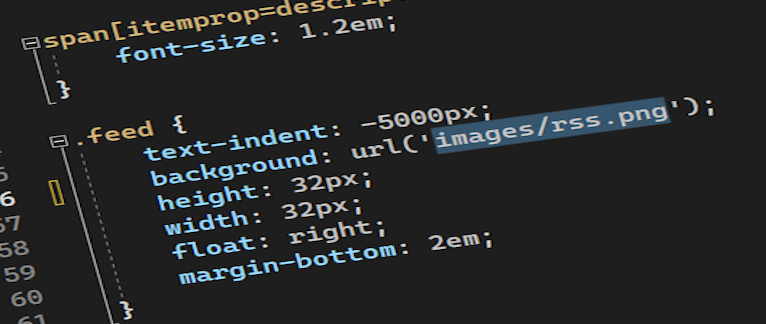 The feature request An option to preview images when they are hovered has gotten some attention lately, and we think it sounds like a great idea. If you think so too, remember to vote for it. The question is, what is the best solution? Various image previewers exist for different editors already, but they all do things a little differently. If we were to build this, we must do it in a way that feels native and natural to Visual Studio. To do that, we’re launching an experiment to figure out what that could look like.
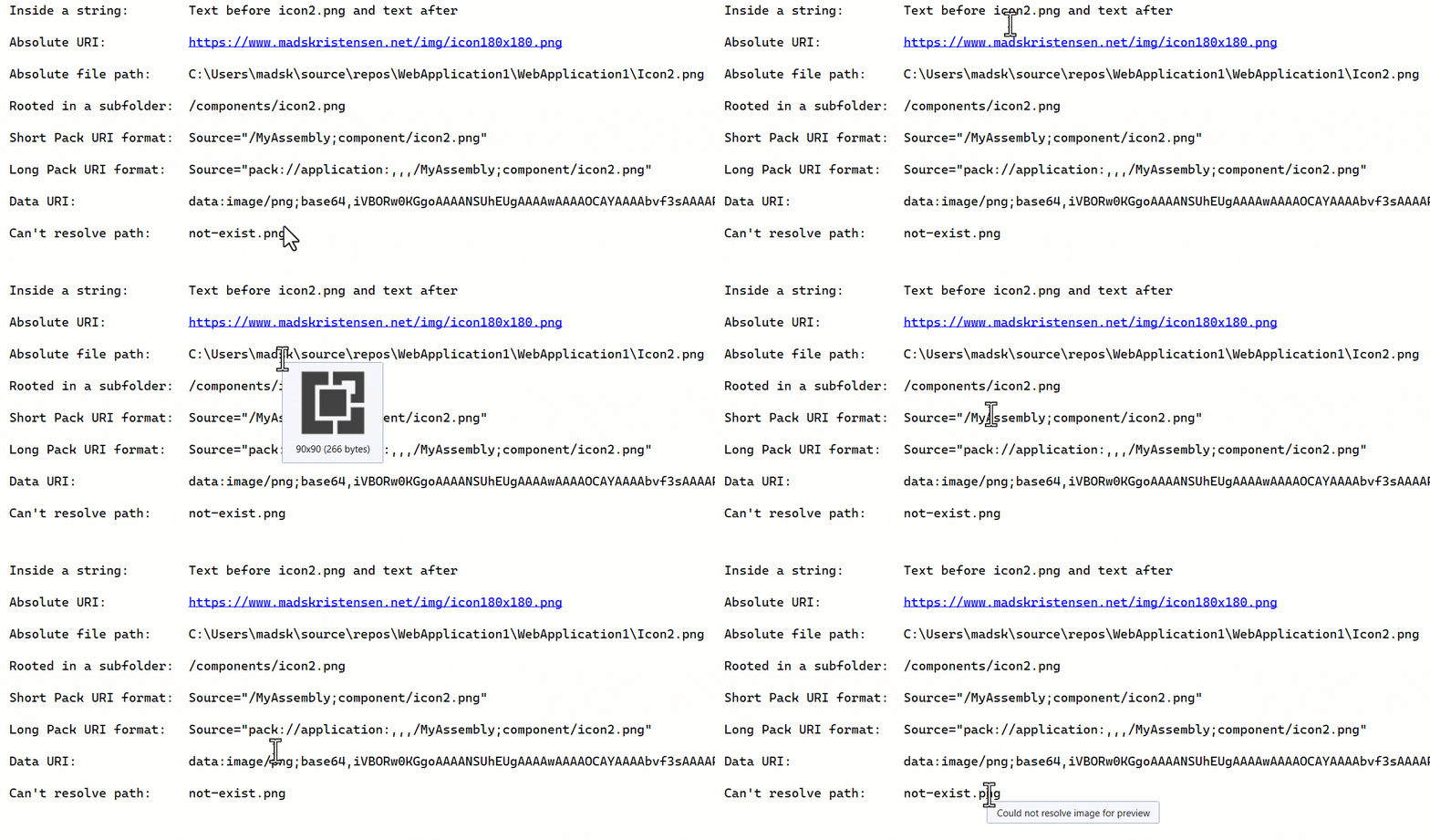 When the mouse hovers over an image reference in the code editor, a tooltip appears showing the rendered image. It supports GIF, PNG, JPG, ICO, and SVG in the following image reference syntaxes:
Post Updated on August 28, 2023 at 03:00PM
Thanks for reading
from devamazonaws.blogspot.com
The feature request An option to preview images when they are hovered has gotten some attention lately, and we think it sounds like a great idea. If you think so too, remember to vote for it. The question is, what is the best solution? Various image previewers exist for different editors already, but they all do things a little differently. If we were to build this, we must do it in a way that feels native and natural to Visual Studio. To do that, we’re launching an experiment to figure out what that could look like.
The experiment
As with all our other community experiments, we are kicking this off with an extension. We call it Image Preview, because that’s exactly what it does. When the mouse hovers over an image reference in the code editor, a tooltip appears showing the rendered image. It supports GIF, PNG, JPG, ICO, and SVG in the following image reference syntaxes:
- Absolute URL (http, https, and ftp)
- Relative URL (./, ../, and /)
- File path (c:\, c:/, \, and /)
- Data URI (data:image/png;base64,...)
- Pack URI (pack://application:,,,/Images/MyImage.png)
Post Updated on August 28, 2023 at 03:00PM
Thanks for reading
from devamazonaws.blogspot.com

Comments
Post a Comment