[MS] Dev Proxy v0.16 with simulated handling Teams Admin Center notifications for Microsoft Graph connectors - devamazonaws.blogspot.com
Focus on developing your app and not on things that won't go into production. See how your apps deal with API errors. We're excited to share the launch of Dev Proxy v0.16, which has new features that help you create better apps. In this version:
Post Updated on March 28, 2024 at 07:04AM
Thanks for reading
from devamazonaws.blogspot.com
- Simulate Teams Admin Center notifications for Microsoft Graph connectors
- Microsoft Graph connectors guidance for Copilot for Microsoft 365
- Simulate webhooks
- Support for including comments in Dev Proxy config files
- Improved UI
- ...and more!
Simulate Teams Admin Center notifications for Microsoft Graph connectors
Microsoft Graph connectors allow you to bring your organizational content to Microsoft 365. This allows you to find your content from one place, no matter where it’s stored. What’s more, it gives Copilot for Microsoft 365 access to the content, so that it can help you get more relevant answers. When deploying Graph connectors in your organization, you should consider packaging them as Microsoft Teams app. That way, they’ll be deployed to the Teams Admin Center, from which admins can control them in a familiar way. To package a Graph connector as a Teams app, you need to extend it with an API that receives the webhook from Teams Admin Center. In this release of Dev Proxy, we’re excited to ship the ability for you to simulate the Teams Admin Center notification for enabling and disabling Graph connectors. With the new feature, you can test your code locally end to end: from validating the token, to creating the connection with the ticket from the notification. And you can do all of this locally without deploying anything to Microsoft 365!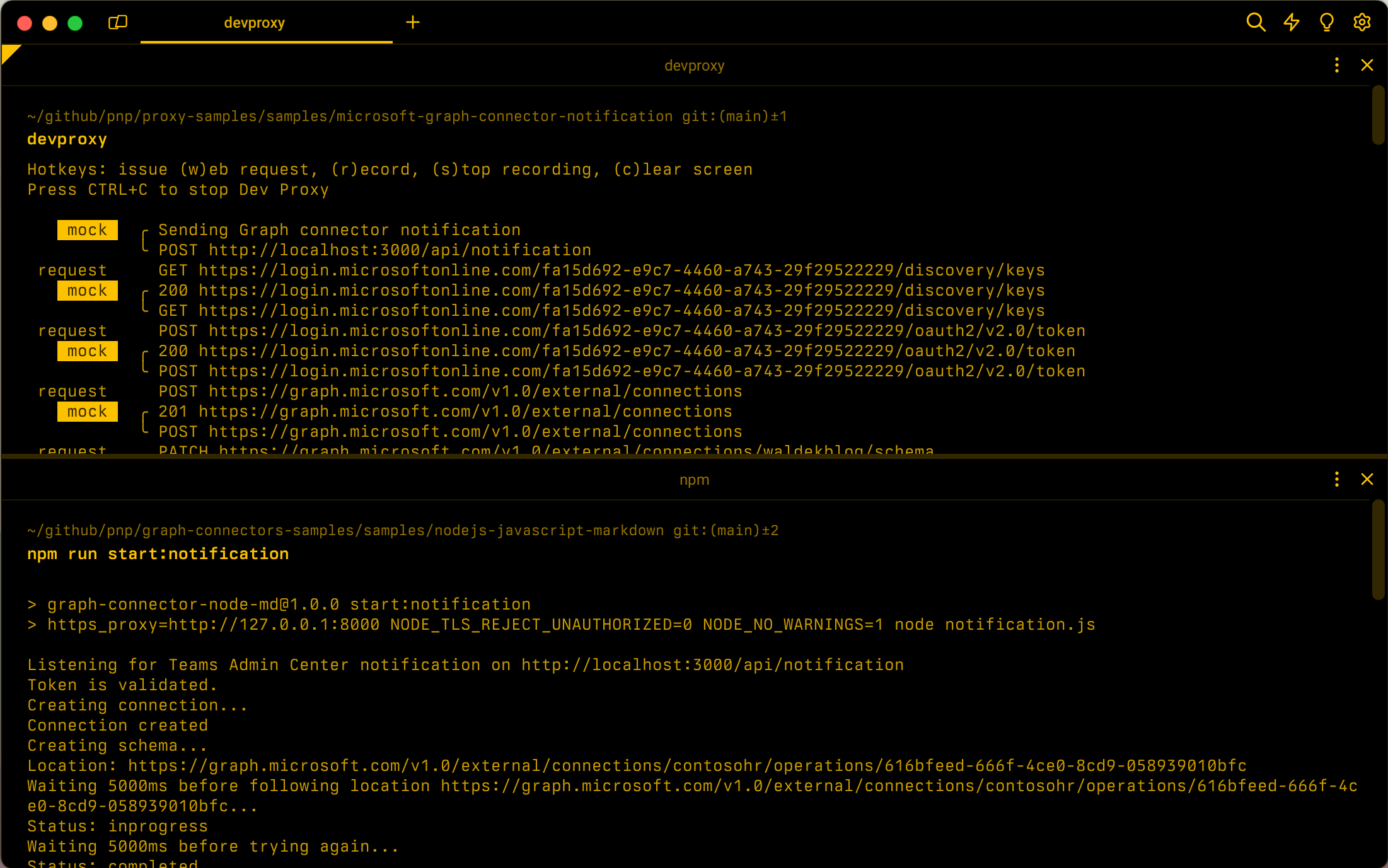 Dev Proxy simulating the Teams Admin Center notification for Graph connectors and mocking subsequent requests for validating the token and creating the external connection.
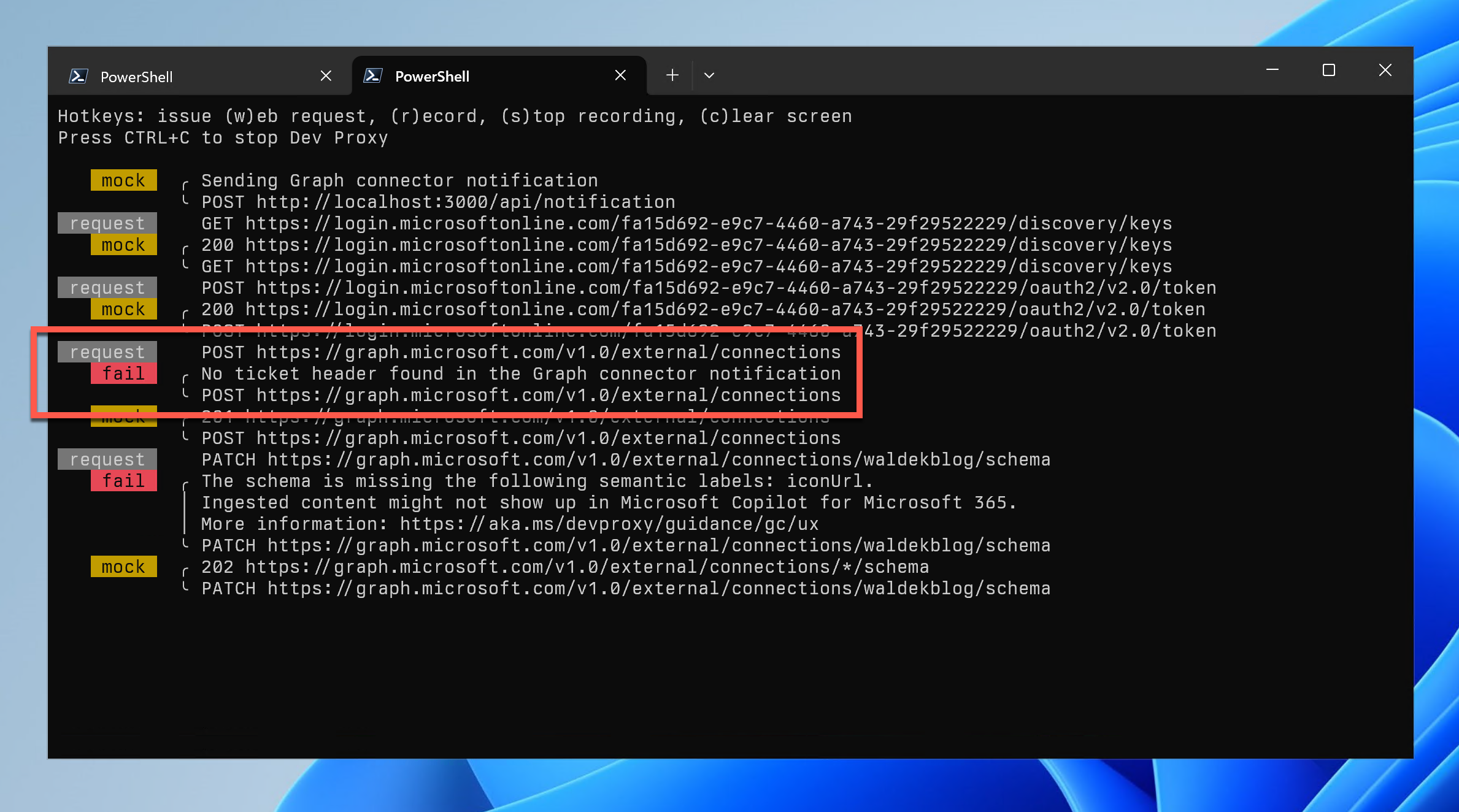 Dev Proxy warning about the lack of ticket on the request to create an external connection after receiving a Teams Admin Center notification
Microsoft Graph connectors guidance for Copilot for Microsoft 365
Using Microsoft Graph connectors, you can bring your organizational content to Microsoft 365. The ingested content shows up in several user experiences including Microsoft Search, ContextIQ and of course Copilot for Microsoft 365. There are several requirements that you have to meet for the content you ingest using your Graph connector to show up in Copilot for Microsoft 365. In this version of Dev Proxy, we’re introducing a new Graph connector guidance plugin, which checks if your external connection is configured properly for use with Copilot for Microsoft 365. We start with validating if your external connection contains the required semantic labels. If it doesn’t, we’ll warn you and tell you which labels are missing.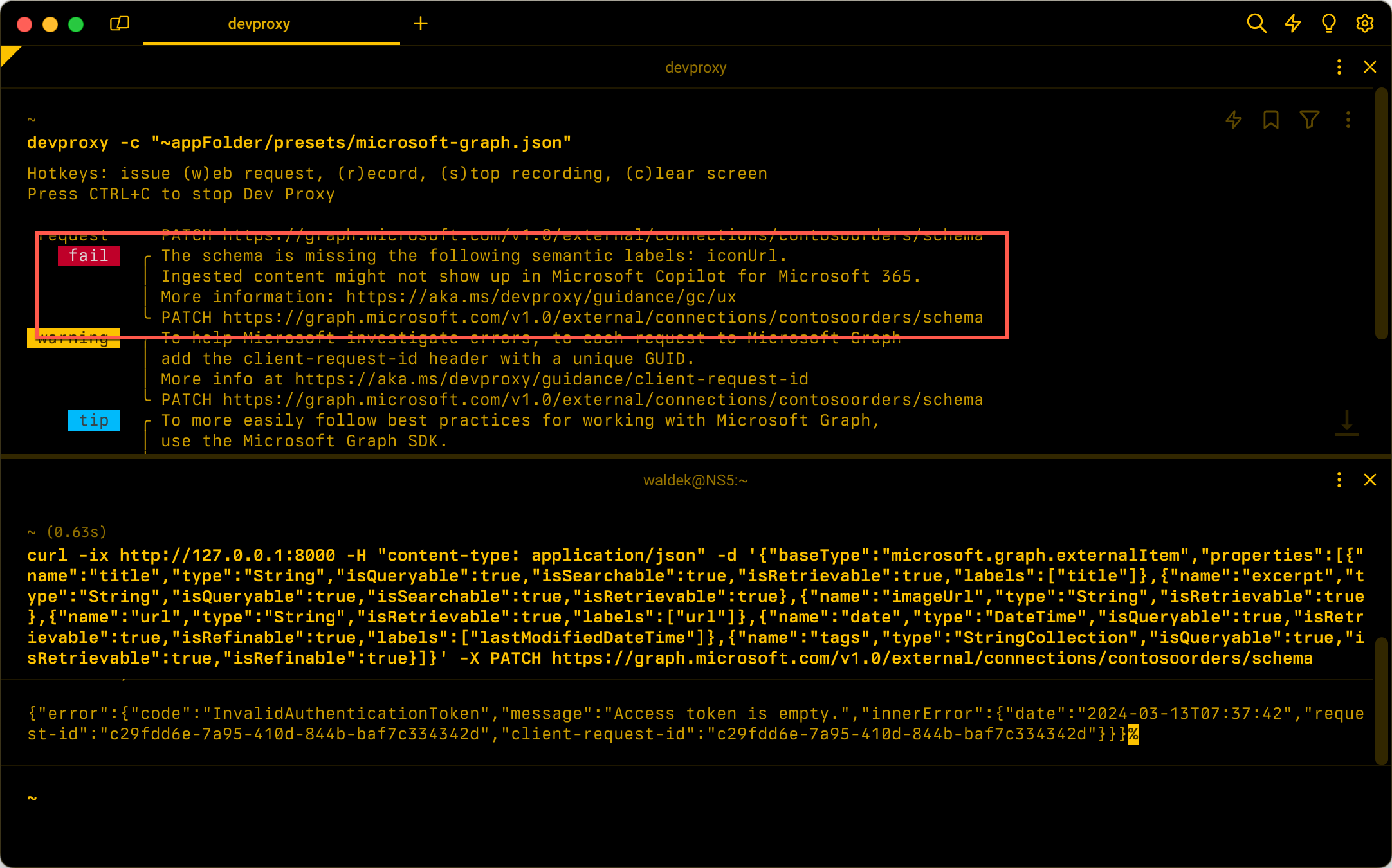 Dev Proxy showing an error after detecting a missing semantic label in an external connection schema provisioning request.
Simulate webhooks
Many applications these days rely on webhooks. Webhooks are a common way for systems to notify each other of changes. A common challenge for working with webhooks is simulating the change in the external system that triggers the webhook. In this version of Dev Proxy, we’re introducing the MockRequestPlugin that allows you to send a preconfigured notification to your application with a single key press.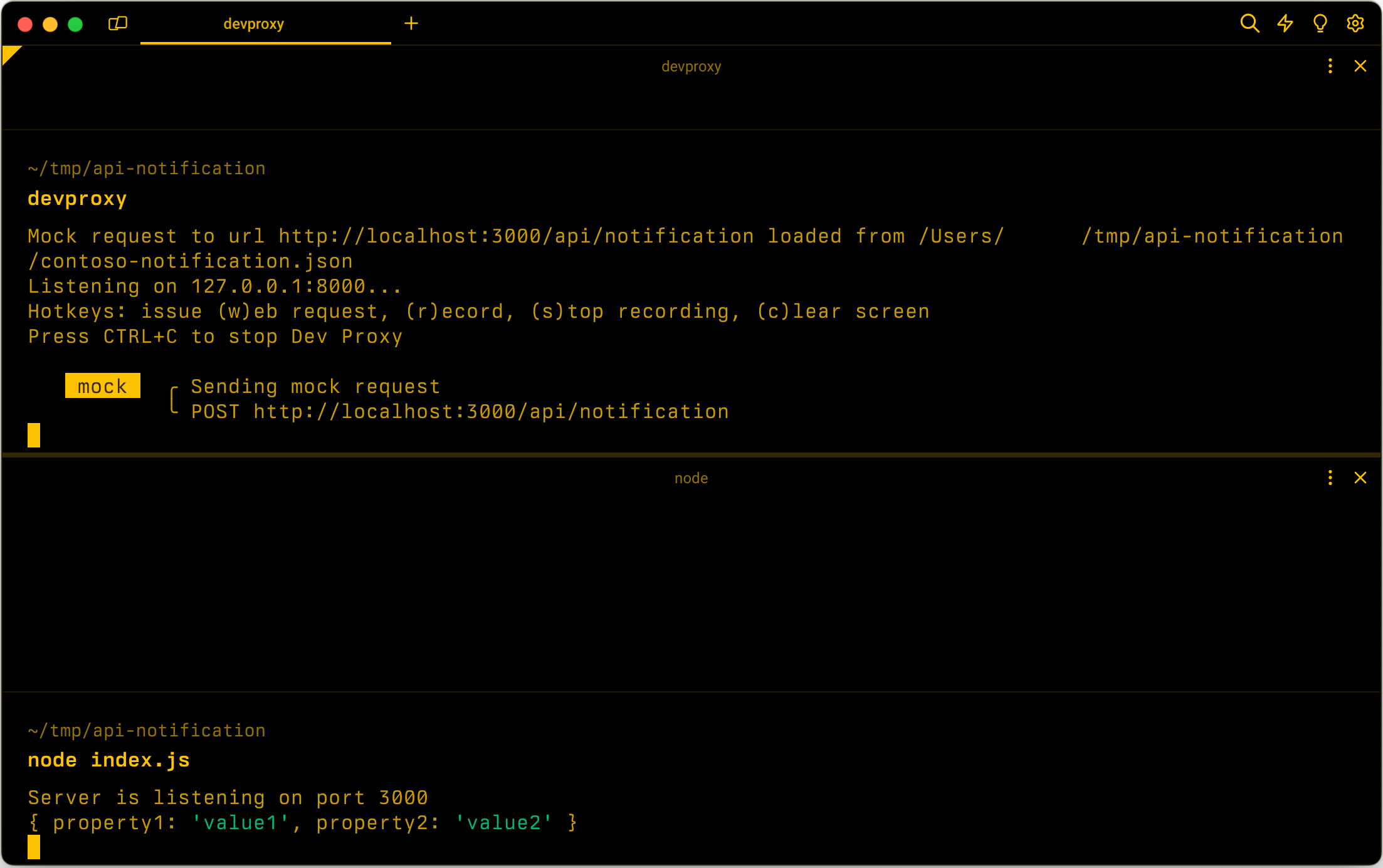 Dev Proxy simulating a webhook notification request to a local API.
Support for including comments in Dev Proxy config files
Over the last year, Dev Proxy evolved into a powerful API simulator that supports many different scenarios. While some require little to no configuration, others are more advanced and use elaborate configuration. To help you document your settings, we now introduce support for including comments in Dev Proxy configuration and plugin files.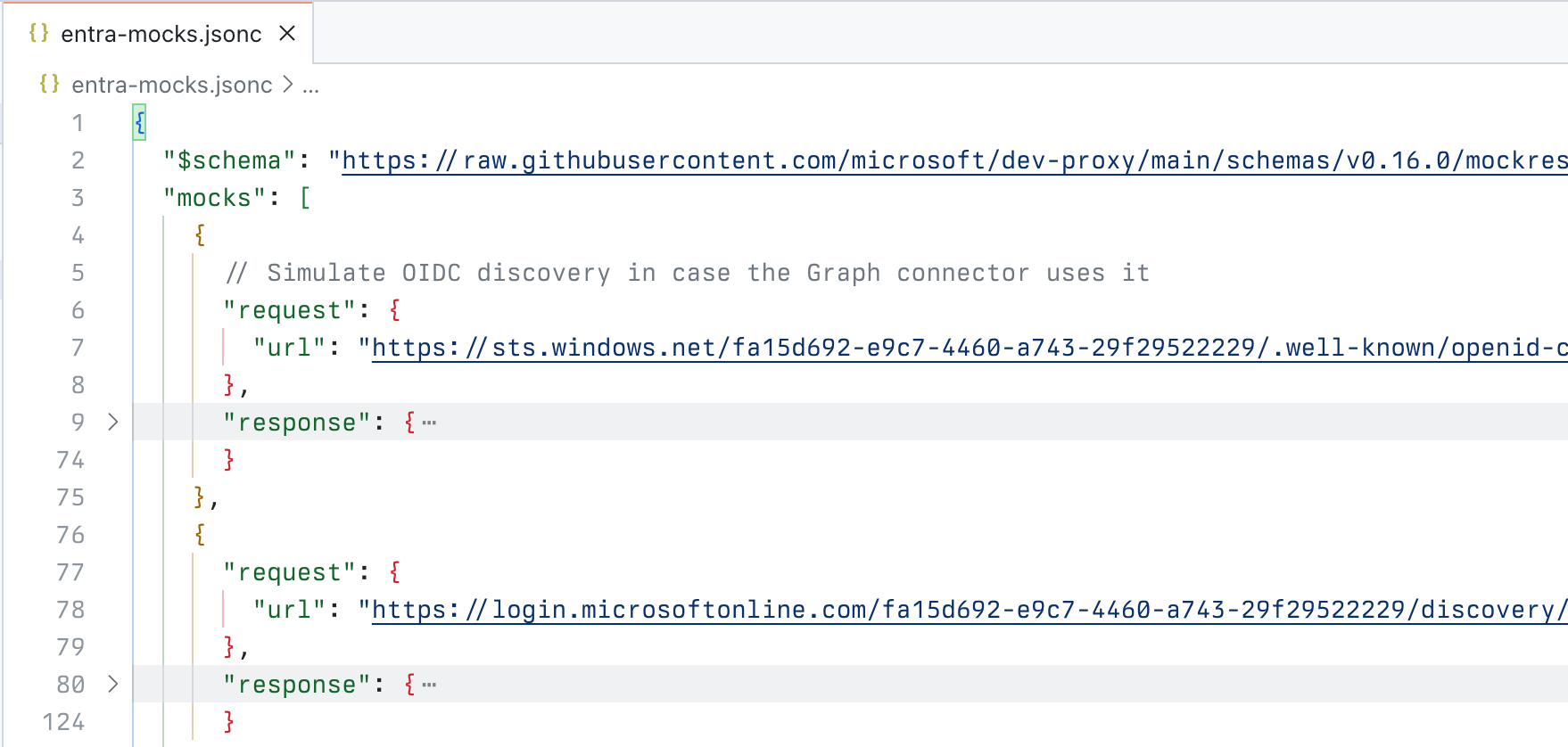 Dev Proxy configuration file with a comment
Improved UI
As we keep extending Dev Proxy with new features, we want to help you get the most out of it. In this version, we extend the UI with a list of hotkeys that you can use with Dev Proxy to invoke its different features.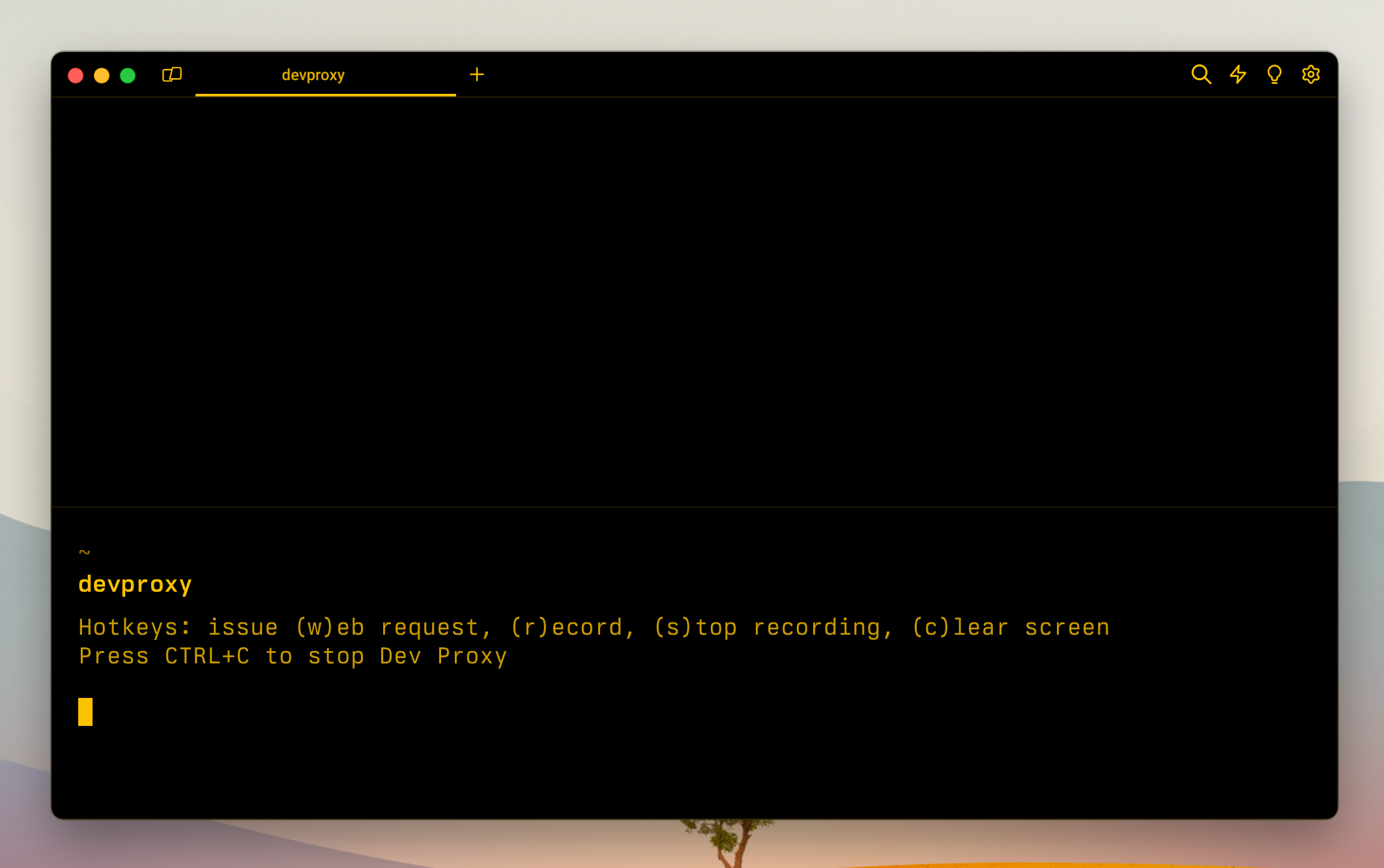 Dev Proxy running in the terminal showing its hotkeys
There’s more
This release also includes several bug fixes and improvements. Check out the release notes for the complete list of changes in this version.Try it now
Download Dev Proxy v0.16 today and build better apps connected to APIs! Thanks to Ramesh Adhikari, and Oleg Guchok for contributing to this release. Have any questions, feedback, or suggestions? Join us on Discord. We can’t wait to see what you create with Dev Proxy! Follow us on X (Twitter) / @Microsoft365Dev and subscribe to our YouTube channel to stay up to date on the latest developer news and announcements.Post Updated on March 28, 2024 at 07:04AM
Thanks for reading
from devamazonaws.blogspot.com

Comments
Post a Comment