[MS] Unwrap some Semantic Kernel (Power)Toys this holiday season - devamazonaws.blogspot.com
Windows PowerToys has always been one of my favorite productivity hacks, and its latest release adds Paste with Advanced AI, which takes it to a new level. This feature, powered by Semantic Kernel, transforms how you work with text, images, and data from your clipboard by applying AI-driven enhancements. 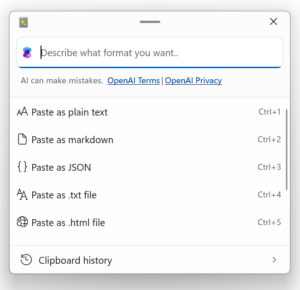 What Does It Do? Advanced Paste uses the OpenAI API to analyze, reformat, and transform clipboard text based on the user’s input, for example:
Post Updated on December 20, 2024 at 04:10PM
Thanks for reading
from devamazonaws.blogspot.com
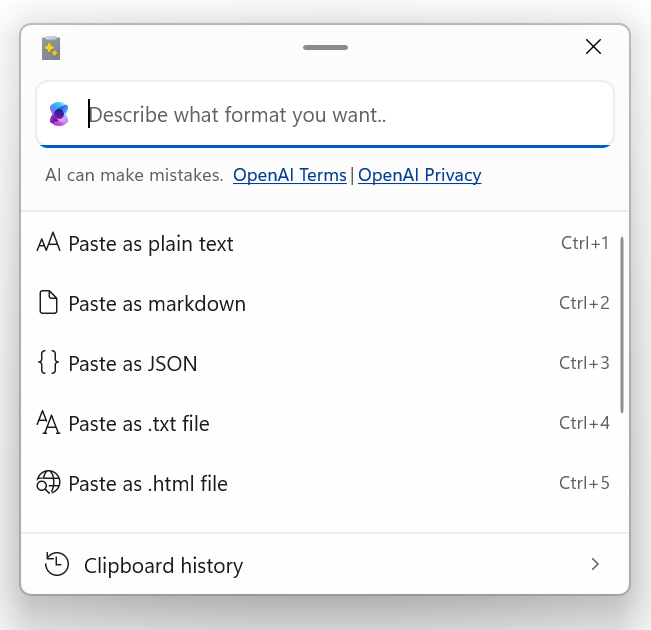 What Does It Do? Advanced Paste uses the OpenAI API to analyze, reformat, and transform clipboard text based on the user’s input, for example:
- Summarize Text: Reduce lengthy text to its essentials.
- Translate Languages: Convert text from one language to another effortlessly.
- Generate Code: Describe a function and let the AI produce the corresponding code.
- Stylize Content: Rewrite text in the style of Shakespeare, Mark Twain, or even a corporate tone.
- Transform Text: Convert casual text into professional emails or polished messages
- Image-to-Text: Extract the text from an image in your clipboard
- Paste to file: Paste clipboard content as a file (.png, .html, .txt)
- Turn Handwritten Notes into Actionable Text: Copy an image of handwritten meeting notes, and ask the AI to convert them to bullet points.
- Translate and Format a Resume: Paste an English resume, translate it to French, and format it as a txt.
- Generate Documentation from Screenshots: Capture a UI screenshot, extract text descriptions, and compile them into a markdown file.
- Prepare Data for Analysis: Paste raw CSV text and ask the AI to clean and structure it for easier analysis.
- Install PowerToys from here: https://aka.ms/PowerToys
- Add your OpenAI API key in PowerToys settings.
- Access the feature from the clipboard menu (win+shift+v, by default)
Post Updated on December 20, 2024 at 04:10PM
Thanks for reading
from devamazonaws.blogspot.com

Comments
Post a Comment