[MS] Enhance Pull Request Reviews with In-Depth Feedback - devamazonaws.blogspot.com
Visual Studio 2022 has taken the pull request experience to the next level by making reviews interactive. We previously enabled viewing your pull request comments inline in your working files. Now, the latest update empowers you to add comments directly within the IDE, streamlining the review process. Now, pull request reviewers can conduct deep reviews with the navigational power of the IDE and stay in their focused environment. We heard from your feedback that the web experience for reviewing pull requests can only go so far. When you need to really understand your colleagues' proposed changes, it's best to checkout their branch and use the navigation and build tools in VS. Once you’re on their branch and you’ve identified some feedback, you can add the comment directly without having to map it back to the code in the web. This extends previous functionality where you could view and reply to only existing comments.
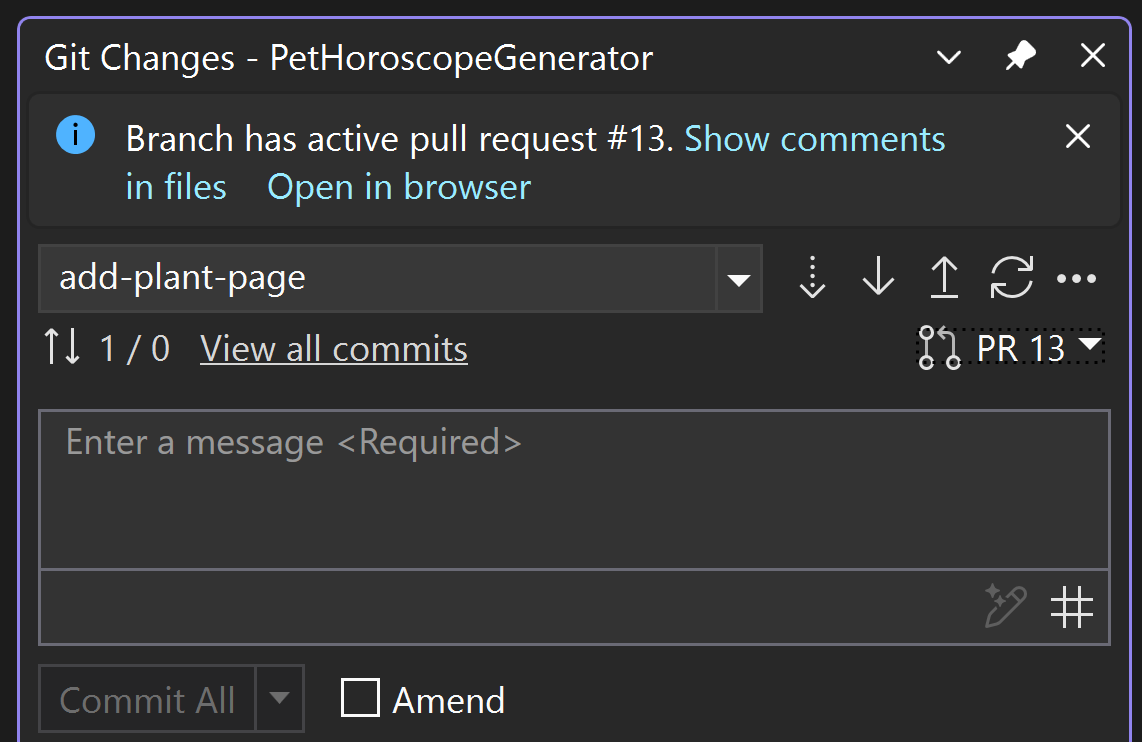
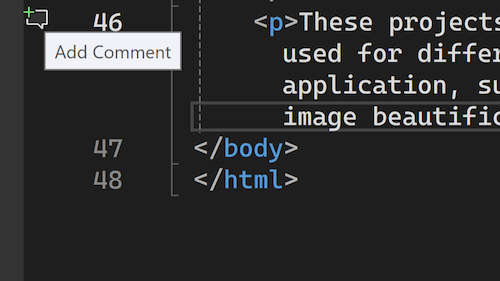 The comment icon will only appear in files that are part of the pull request. For GitHub pull requests, comments can only be added to lines surrounding and including the changes.
Post Updated on March 20, 2025 at 03:00PM
Thanks for reading
from devamazonaws.blogspot.com
Enabling this feature
To start using the new commenting feature, first ensure you have enabled the feature flags:- Tools > Options > Preview Features > Pull Request Comments
- Tools > Options > Pull Request Add Comment.
Adding comments to pull request files
Simply click on the Add Comment icon in the margin, or right-click the line you'd like to comment on and select Git > Add Comment from the context menu. The comment icon will only appear in files that are part of the pull request. For GitHub pull requests, comments can only be added to lines surrounding and including the changes.
We appreciate your feedback!
This is another step in our journey to deliver a powerful and integrated pull request experience. We started with supporting the create a pull request workflow, enabled viewing pull request comments on your checked out branches, and now, you can add new review comments, as well! We won’t stop there. Your continuous suggestions and insights play a crucial role in shaping the tools we build. We're thrilled to bring you this enhancement and are eager to hear how it improves your workflow.Post Updated on March 20, 2025 at 03:00PM
Thanks for reading
from devamazonaws.blogspot.com

Comments
Post a Comment