[MS] Microsoft Agent Framework Reaches Release Candidate - devamazonaws.blogspot.com
We're happy to announce that Microsoft Agent Framework is now in Release Candidate status for both .NET and Python. Release Candidate is an important milestone on the road to General Availability — it means the API surface is stable, and all features that we intend to release with version 1.0 are complete. Whether you're building a single helpful assistant or orchestrating a team of specialized agents, Agent Framework gives you a consistent, multi-language foundation to do it. Microsoft Agent Framework is the easy and most powerful way to build agents and agent systems using Microsoft Foundry or any model or AI service! 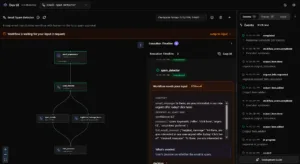
Post Updated on February 20, 2026 at 05:51AM
Thanks for reading
from devamazonaws.blogspot.com
What is Microsoft Agent Framework?
Microsoft Agent Framework is a comprehensive, open-source framework for building, orchestrating, and deploying AI agents. It's the successor to Semantic Kernel and AutoGen, and it provides a unified programming model across .NET and Python with:- Simple agent creation — go from zero to a working agent in just a few lines of code
- Function tools — give agents the ability to call your code with type-safe tool definitions
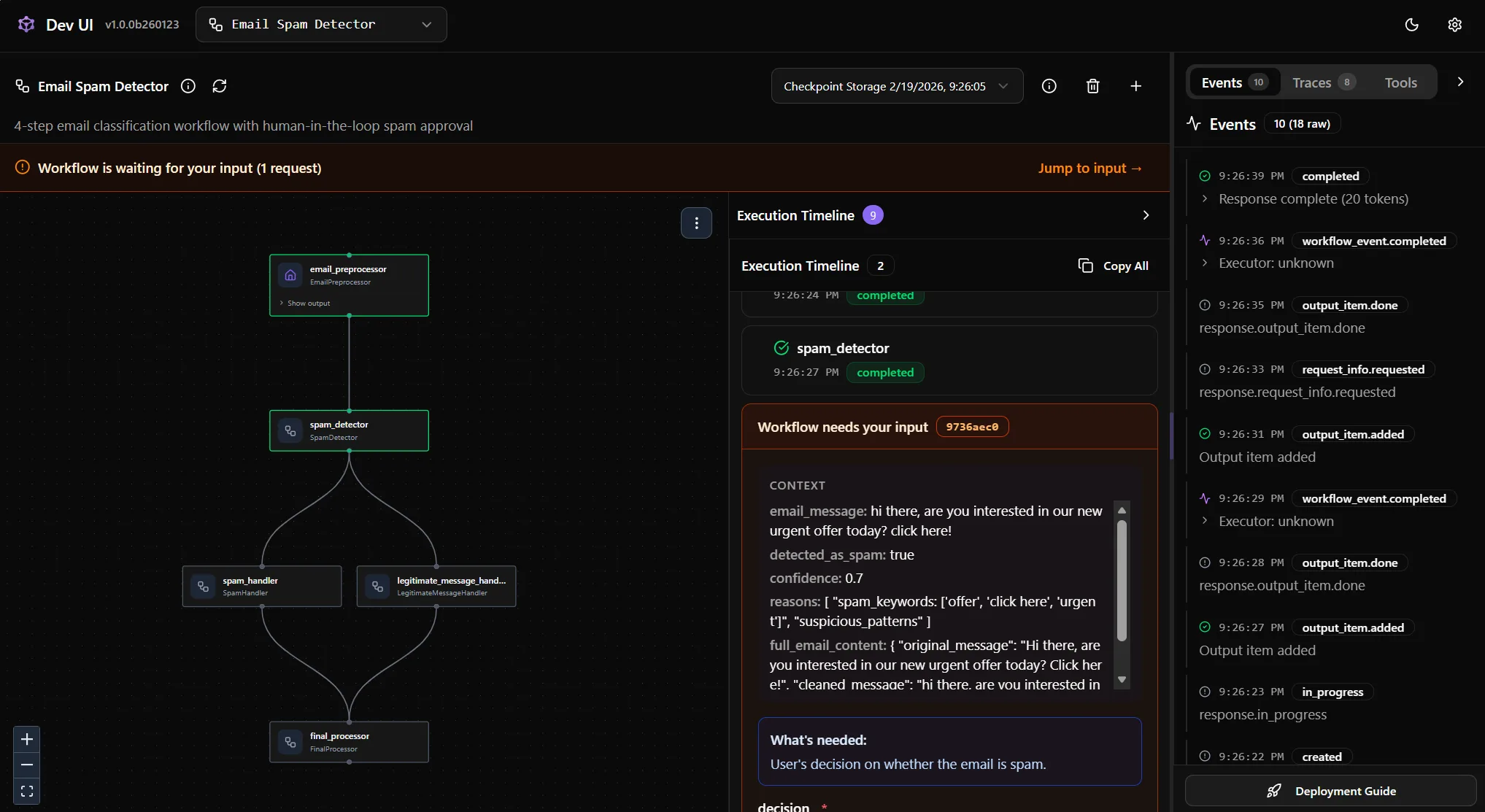
- Graph-based workflows — compose agents and functions into sequential, concurrent, handoff, and group chat patterns with streaming, checkpointing, and human-in-the-loop support
- Multi-provider support — works with Microsoft Foundry, Azure OpenAI, OpenAI, GitHub Copilot, Anthropic Claude, AWS Bedrock, Ollama, and more
- Interoperability — supports A2A (Agent-to-Agent), AG-UI, and MCP (Model Context Protocol) standards
Create Your First Agent
Getting started takes just a few lines of code. Here's how to create a simple agent in both languages. Pythonpip install agent-framework --preimport asyncio
from agent_framework.azure import AzureOpenAIResponsesClient
from azure.identity import AzureCliCredential
async def main():
agent = AzureOpenAIResponsesClient(
credential=AzureCliCredential(),
).as_agent(
name="HaikuBot",
instructions="You are an upbeat assistant that writes beautifully.",
)
print(await agent.run("Write a haiku about Microsoft Agent Framework."))
if __name__ == "__main__":
asyncio.run(main())dotnet add package Microsoft.Agents.AI.OpenAI --prerelease
dotnet add package Azure.Identityusing System.ClientModel.Primitives;
using Azure.Identity;
using Microsoft.Agents.AI;
using OpenAI;
using OpenAI.Responses;
// Replace <resource> and gpt-4.1 with your Azure OpenAI resource name and deployment name.
var agent = new OpenAIClient(
new BearerTokenPolicy(new AzureCliCredential(), "https://ai.azure.com/.default"),
new OpenAIClientOptions() { Endpoint = new Uri("https://<resource>.openai.azure.com/openai/v1") })
.GetResponsesClient("gpt-4.1")
.AsAIAgent(name: "HaikuBot", instructions: "You are an upbeat assistant that writes beautifully.");
Console.WriteLine(await agent.RunAsync("Write a haiku about Microsoft Agent Framework."));Multi-Agent Workflows
Single agents are powerful, but real-world applications often need multiple agents working together. Agent Framework ships with a workflow engine that lets you compose agents into orchestration patterns — sequential, concurrent, handoff, and group chat — all with streaming support built in. Here's a sequential workflow where a copywriter agent drafts a tagline and a reviewer agent provides feedback: Pythonpip install agent-framework-orchestrations --preimport asyncio
from typing import cast
from agent_framework import Message
from agent_framework.azure import AzureOpenAIChatClient
from agent_framework.orchestrations import SequentialBuilder
from azure.identity import AzureCliCredential
async def main() -> None:
client = AzureOpenAIChatClient(credential=AzureCliCredential())
writer = client.as_agent(
instructions="You are a concise copywriter. Provide a single, punchy marketing sentence based on the prompt.",
name="writer",
)
reviewer = client.as_agent(
instructions="You are a thoughtful reviewer. Give brief feedback on the previous assistant message.",
name="reviewer",
)
# Build sequential workflow: writer -> reviewer
workflow = SequentialBuilder(participants=[writer, reviewer]).build()
# Run and collect outputs
outputs: list[list[Message]] = []
async for event in workflow.run("Write a tagline for a budget-friendly eBike.", stream=True):
if event.type == "output":
outputs.append(cast(list[Message], event.data))
if outputs:
for msg in outputs[-1]:
name = msg.author_name or "user"
print(f"[{name}]: {msg.text}")
if __name__ == "__main__":
asyncio.run(main())dotnet add package Microsoft.Agents.AI.Workflows --prereleaseusing System.ClientModel.Primitives;
using Azure.Identity;
using Microsoft.Agents.AI;
using Microsoft.Agents.AI.Workflows;
using Microsoft.Extensions.AI;
using OpenAI;
// Replace <resource> and gpt-4.1 with your Azure OpenAI resource name and deployment name.
var chatClient = new OpenAIClient(
new BearerTokenPolicy(new AzureCliCredential(), "https://ai.azure.com/.default"),
new OpenAIClientOptions() { Endpoint = new Uri("https://<resource>.openai.azure.com/openai/v1") })
.GetChatClient("gpt-4.1")
.AsIChatClient();
ChatClientAgent writer = new(chatClient,
"You are a concise copywriter. Provide a single, punchy marketing sentence based on the prompt.",
"writer");
ChatClientAgent reviewer = new(chatClient,
"You are a thoughtful reviewer. Give brief feedback on the previous assistant message.",
"reviewer");
// Build sequential workflow: writer -> reviewer
Workflow workflow = AgentWorkflowBuilder.BuildSequential(writer, reviewer);
List<ChatMessage> messages = [new(ChatRole.User, "Write a tagline for a budget-friendly eBike.")];
await using StreamingRun run = await InProcessExecution.StreamAsync(workflow, messages);
await run.TrySendMessageAsync(new TurnToken(emitEvents: true));
await foreach (WorkflowEvent evt in run.WatchStreamAsync())
{
if (evt is AgentResponseUpdateEvent e)
{
Console.Write(e.Update.Text);
}
}Migration from Semantic Kernel and AutoGen
If you've been building agents with Semantic Kernel or AutoGen, Agent Framework is the natural next step. We've published detailed migration guides to help you transition:What's Next?
This Release Candidate represents an important step toward General Availability. We encourage you to try the framework and share your feedback — your input is invaluable as we finalize the release in the coming weeks. Reach out to us on GitHub or on Discord. For more information, check out our documentation and examples on GitHub, and install the latest packages from NuGet (.NET) or PyPI (Python).Post Updated on February 20, 2026 at 05:51AM
Thanks for reading
from devamazonaws.blogspot.com

Comments
Post a Comment