[MS] Plan Your Java Upgrade Ahead of Microsoft's 2027 Support Milestones - devamazonaws.blogspot.com
In April 2021, we announced the Microsoft Build of OpenJDK. We were starting with a preview of our Java 11 builds for Windows, Linux, and macOS. Today, if you're planning a Java upgrade on Azure, you have several generations of that work to build on: 11, 17, 21, and now 25.
Java 8 has been part of that work too, with help from the fine folks at the Eclipse Foundation's Eclipse Adoptium project. Microsoft has supported Java 8 on Azure using their Eclipse Temurin builds of OpenJDK 8, rather than producing a Microsoft Build of OpenJDK 8. That collaboration goes back to the launch: our first Java 11 builds also used Adoptium's build scripts and quality assurance suite.
Supporting those releases has meant years of updates. Now it's time to plan the next move. The Microsoft Build of OpenJDK support roadmap lists September 2027 as the earliest end-of-support date for Java 11 and 17. That's a distribution-wide milestone: if you use those Microsoft builds on a VM, in a container, on Kubernetes, on Azure platform services, or evem outside Azure, it belongs in your upgrade planning. These dates are initial targets, and Microsoft may extend them. However, consider taking action now.
Azure services also have their own deadlines. Azure App Service and Azure Functions support for Java 8, 11, and 17 ends on September 1, 2027. Existing applications will continue to run, but the affected Java versions will no longer receive security updates, improvements, or related customer support.
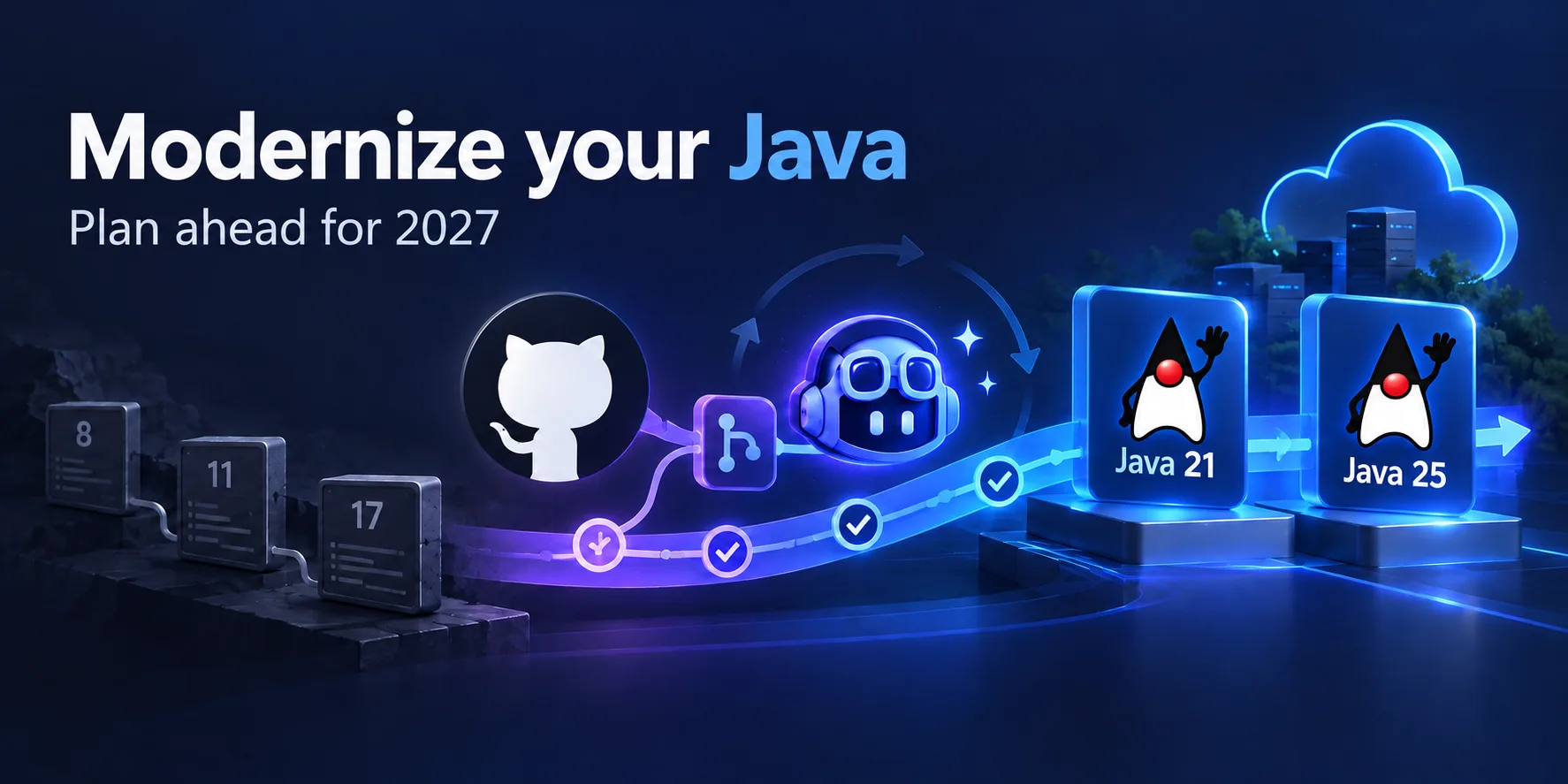
If that's your application, the practical question is how to get to Java 21 or 25 while keeping it working. GitHub Copilot modernization gives you a tool: the Modernize CLI, which can assess your code, help plan the upgrade, and actually perform and apply changes for you to review.
Continuous Agentic Modernization
I recently spoke about Continuous Agentic Modernization at Microsoft Reactor in The Agentic SDLC: Making Application Modernization Continuous. The goal is to make modernization part of how you maintain software, rather than a one-off project when a support deadline approaches.
Find out what stands between the service and Java 21
Follow the Modernize CLI quickstart to install and authenticate with the tool. You'll need a GitHub Copilot subscription and GitHub CLI. From the application's repository, run:
modernizeSelect Assess, choose the application, include the Java upgrade assessment domain, and set the target runtime. The assessment looks at code, dependencies, and configuration; its reports are saved under .github/modernize/assessment/.
For our example service, the useful questions are specific: Does its Spring Boot version support Java 21? Can its Maven plugins and test tooling run on that JDK? Are there dependencies or API usages that need to change?
Read the findings alongside what you know about production. A monitoring agent injected at deployment time or a database driver managed outside the repository still belongs in the upgrade plan.
Give the agent a boundary
From the assessment flow, choose Create modernization plan and use the report as context. Instead of asking the agent to "modernize everything," describe a change you'd be comfortable reviewing:
Upgrade this service to Java 21. Use the assessment findings to identify required dependency and build-tool changes. Preserve its HTTP API and deployment destination. Include build, unit, and integration test steps. Separate required compatibility changes from optional refactoring, and flag any framework migration for review.
If a plan proposes moving from Spring Boot 2 to 3, you're also looking at a Jakarta namespace migration. Check whether the framework change is required for your chosen target and decide how to sequence it before execution.
The generated plan will live under .github/modernize/{plan-name}/plan.md. Edit it. Add the integration tests your team relies on, the API behavior that must stay stable, and the deployment checks that aren't obvious from the source. The point of the plan is to make those decisions before they become a large diff.
Turn the plan into a pull request
After reviewing the plan, select Execute. The agent can apply code transformations, upgrade dependencies, and validate builds. Review the changes and commit history as you would any other contribution.
If you already understand the scope, the CLI also offers a combined plan-and-execute workflow:
modernize upgrade "Java 21"For a first upgrade, use the separate assessment and planning steps so you can inspect the decisions before execution. The CLI reference covers both paths.
Make the pull request easy for the next developer to understand. Include the starting and target Java versions, why each framework or dependency change is needed, and the build and test results. Keep unrelated refactoring out.
A reviewer should be able to answer three questions: What had to change? What stayed the same? What evidence supports merging it?
Don't leave CI and production on the old JDK
A local Java 21 build doesn't help if GitHub Actions still tests on Java 17 or production starts an older container image.
For our example service, review the Maven compiler and toolchain settings alongside the JDK provisioned in GitHub Actions. An action such as actions/setup-java can configure the build JDK; check build plugins and action compatibility too. Then align the Azure runtime configuration with the chosen target. For customer-managed containers, rebuild and deploy the image containing the new JDK.
Run unit and integration tests, then deploy to staging with realistic configuration. Exercise the HTTP endpoints and database calls, confirm the monitoring agent starts, and compare errors, latency, and memory with the baseline. Compilation is one check; these are the checks that tell you whether the service still works.
Use your service's supported staged rollout mechanism and have a rollback path for both the application artifact and runtime configuration.
Once that baseline is established, you can evaluate newer Java capabilities separately. Virtual threads, for example, are worth investigating for suitable workloads, but they don't need to become part of the compatibility upgrade. A smaller change is easier to review and easier to troubleshoot.
Check the support policy for your deployment
Before scheduling the rollout, confirm the policy that applies to your application. Service and JDK-distribution timelines aren't interchangeable:
- Microsoft Build of OpenJDK, wherever you deploy it: The distribution roadmap lists September 2027 as the earliest end-of-support date for Java 11 and 17, September 2028 for Java 21, and September 2030 for Java 25. These are initial targets that Microsoft may extend. For customer-managed JDKs on VMs, containers, and Kubernetes, your team owns JDK updates and their rollout.
- Managed App Service and Functions runtimes: Microsoft services the JDK, while you select and test a supported major version. Service timelines can differ from the distribution roadmap. App Service applications continue running after end of support, but the affected Java versions no longer receive security updates or related customer support. Check the App Service policy and Functions support table.
- Distribution and commercial support: Microsoft Build of OpenJDK commercial support requires an active Azure Support Plan, an eligible deployment on Azure, Azure Stack services, or Azure Arc clusters, and current updates. Java 8 uses Eclipse Temurin in relevant Azure scenarios; check its distribution and service policies separately. Other vendors set their own support terms.
Make the next upgrade easier
The first service gives you more than an updated runtime. It gives your team a reviewed plan, a list of shared blockers, and a set of checks to reuse. The Modernize CLI supports multiple repositories and reusable modernization skills, so you can apply what you've learned without treating every application as identical.
The 2027 support milestones are a reason to start. One service, an explicit target, and a pull request your team can confidently review are how you make progress.
[cta-button text="Assess your first Java application with the Modernize CLI" url="https://ift.tt/ZNKTW86" color="btn-primary" align="center"]
Post Updated on October 19, 2026 at 03:59PM
Thanks for reading
from devamazonaws.blogspot.com

Comments
Post a Comment